Stay Updated with NHS App Notifications
Never miss an important update about your healthcare.
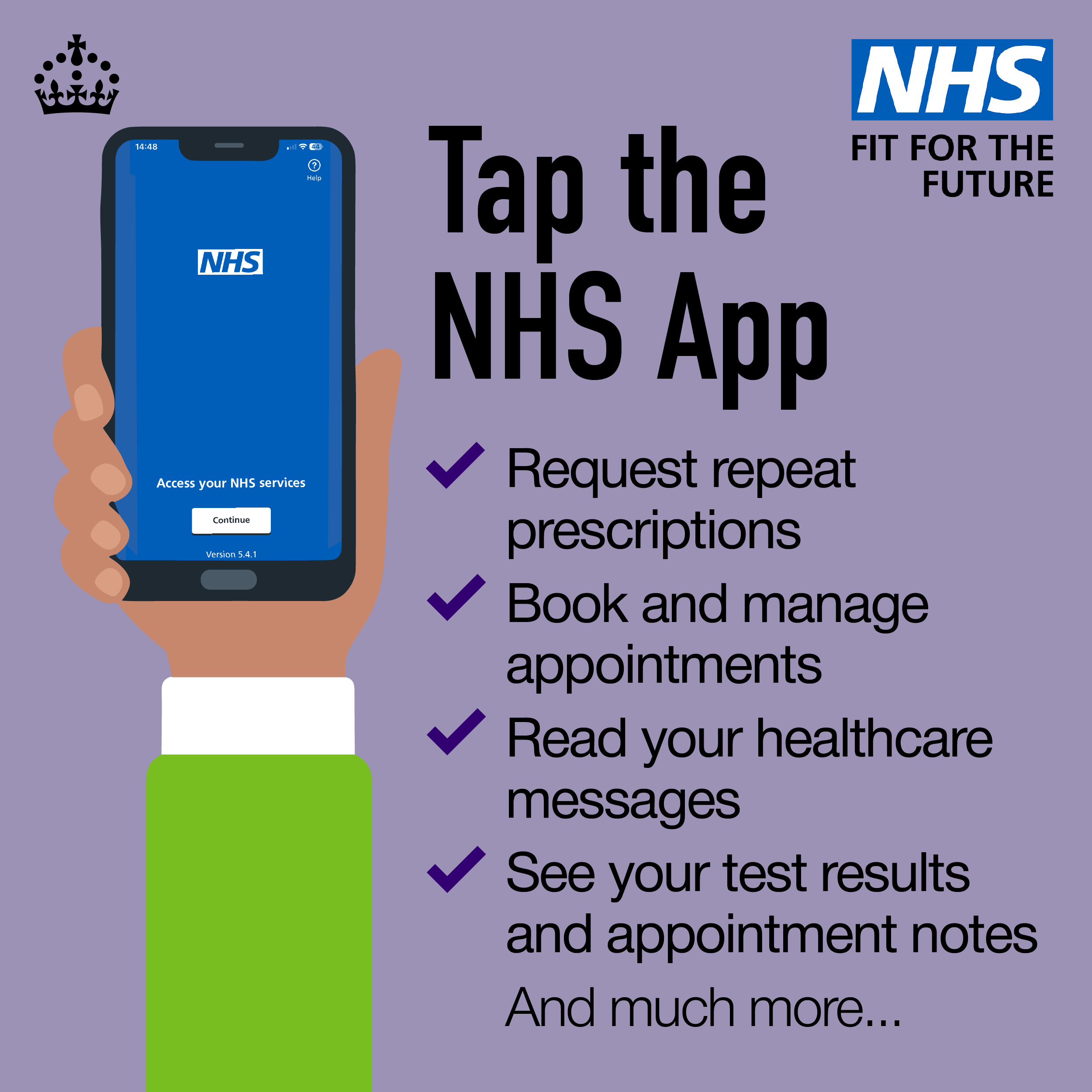
Turn on notifications in the NHS App to receive timely alerts about:
- Prescription updates and reminders
- Appointment bookings and changes
- Messages from your GP practice
- Important healthcare information
- New documents and test results (where available)
How to Turn On Notifications
- Open the NHS App on your device.
- Go to Settings.
- Select Notifications.
- Enable notifications for the updates you’d like to receive.
- If prompted, allow notifications in your phone’s device settings.
Why Enable Notifications?
- Stay informed without needing to check the app regularly.
- Receive important healthcare updates as soon as they’re available.
- Manage appointments and prescriptions more easily.
.